
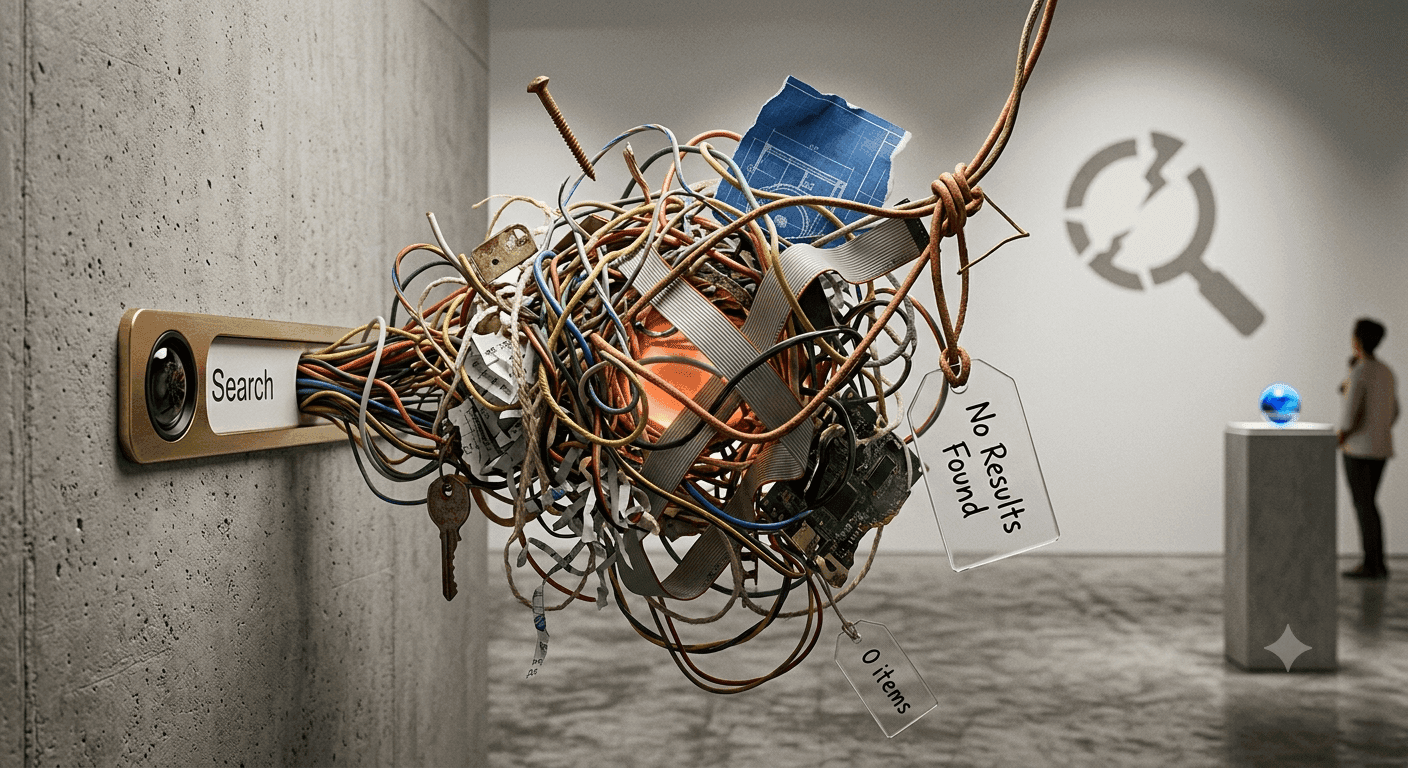
Stop Losing Visitors to 'No Results Found': The Guide to AI-Powered Site Search
When a visitor lands on your website, they usually have a specific goal: find a product, solve a problem, or understand a feature. For many B2B sites, however, the search bar is a dead end. When a user types a query and sees "No Results Found," the journey ends immediately.
Failed searches are more than just a technical glitch; they are lost revenue, missed leads, and eroded trust. To solve this, businesses are shifting from rigid keyword matching to an ai site search solution that understands intent and meaning.
The High Cost of Poor Website Search
The 'No Results Found' Trap: Why Keyword Matching Fails
Traditional search engines rely on exact word matches. If a user searches for "how to reset access for a former employee" but your documentation uses the term "deactivate user account," the system fails. Even though the meaning is identical, the keywords don't match.
This creates a "discovery gap" where your content exists, but your users can't find it. When "No Results Found" appears, it isn't just a technical failure; it's a lost conversion opportunity.
How Search Friction Increases Support Tickets and Bounce Rates
Search friction occurs when users struggle to find answers independently. When the search bar fails, users typically do one of two things: bounce to a competitor or submit a support ticket for a question already answered in your documentation.
This puts an unnecessary load on your support team and creates a frustrating user experience. By implementing an AI-powered semantic search layer, you can turn these dead ends into a seamless path to value.
What is an AI Site Search Solution?
An ai site search solution differs from traditional search by leveraging Natural Language Processing (NLP) and semantic search. Instead of scanning for specific strings of text, it analyzes the meaning behind the query.
For example, if a user searches for "something to manage PCOS," a semantic search engine understands the health context and returns relevant products or articles, even if the exact phrase "manage PCOS" isn't in the title of every page.
Intent-aware search focuses on the user's goal. It recognizes that a user asking "How do I integrate with Shopify?" is looking for a setup guide, not just any page that mentions the word "Shopify."
By understanding intent, the search engine can prioritize the most relevant results, reducing the zero-result rate and ensuring the user finds what they need without needing to use "perfect" keywords.
Modern search should do more than provide a list of links. An "answer-first" approach provides the direct answer immediately, often summarizing information from multiple sources.
This is a high-trust experience because it combines a direct response with clickable sources. Users can verify the answer and then click through for a deeper dive, transforming the search bar from a navigation utility into an active conversion assistant.
Key Capabilities to Look for in an AI Search Layer
Instant Answers with Verifiable Sources Look for a solution that anchors its answers in your own website's content. This prevents "AI hallucinations" and ensures that the information provided is accurate and based on your brand's specific knowledge base.
Intent-Aware Autocomplete and Suggestions Autocomplete should be more than just a list of words. It should suggest related queries and guide users toward the right path based on intent, helping you improve user journeys with better discovery (https://www.seekrs.ai/).
Low-Disruption Integration (Plug-and-Play) Implementing AI search should not require a complete website rebuild. A modern AI search layer plugs into your existing site and knowledge base with minimal disruption, allowing you to deploy a smarter search experience without the technical overhead.
Business Outcomes: Moving Beyond the Search Bar
Reducing Support Load through Self-Serve Discovery
When users find accurate answers instantly, they stop submitting repetitive tickets. This allows your support team to focus on complex issues rather than "how-to" questions. You can turn documentation into a self-serve experience that works 24/7.
Improving Conversion Rates by Shortening the Path to Value
The shorter the path from query to answer, the higher the conversion rate. By removing search friction, a user searching for "enterprise pricing for 500 seats" can be guided directly to the pricing page or a contact form, reducing drop-offs and increasing the likelihood of a purchase.
Using Search Intelligence to Identify Content Gaps
Search data is a goldmine of demand intelligence. By analyzing what people are searching for—and what they can't find—you can identify missing products, terminology mismatches, and emerging customer needs. This turns your search bar into a roadmap for your marketing and product teams to fix content gaps.
Implementing AI Search Without the Technical Overhead
Auditing Your Current Search Performance
Before implementing a new solution, start by auditing your zero-result rate. Look at your search logs to see where users are failing. This will give you a baseline for how much revenue and support load the poor search experience is costing you.
Evaluating Semantic Accuracy vs. Technical Complexity
When choosing an ai site search solution, prioritize semantic accuracy—the ability to actually understand meaning—over complex technical configurations. The goal is the practical outcome: reducing bounce rates and support tickets.
Search Optimization Checklist:
- Audit zero-result queries to identify content gaps.
- Test current search with natural language queries (e.g., "How do I..." questions).
- Evaluate if your search provides direct answers or just a list of links.
- Audit the path from search query to conversion.
Conclusion: Making Your Content Work Harder
Your content is an asset, but it only provides value when it is discoverable. An AI-powered search experience turns dead ends into recommendations and intent-based alternatives.
Stop letting "No Results Found" be the end of the user journey. Experience a search layer that actually understands your users—Try Seekrs today.
FAQ
What is the practical difference between semantic search and traditional keyword search? Semantic search understands the meaning and intent behind a query, whereas traditional search looks for exact word matches. This means semantic search can find relevant content even if the user doesn't use the exact keywords found on your page.
How does an AI site search solution reduce the volume of repetitive support tickets? By providing instant, accurate answers derived from your documentation, they deflect repetitive "how-to" questions from your support team, allowing users to solve problems independently.
Can AI search be integrated into an existing website without a complete rebuild? Yes, a modern AI search layer is designed to plug into existing websites and knowledge bases with minimal disruption, avoiding the need for a complete rebuild.
How can search data be used to improve a company's overall content strategy? Search data reveals exactly what users are searching for but cannot find. This identifies content gaps, terminology mismatches, and emerging customer needs, which can be used to create new content that meets user demand.